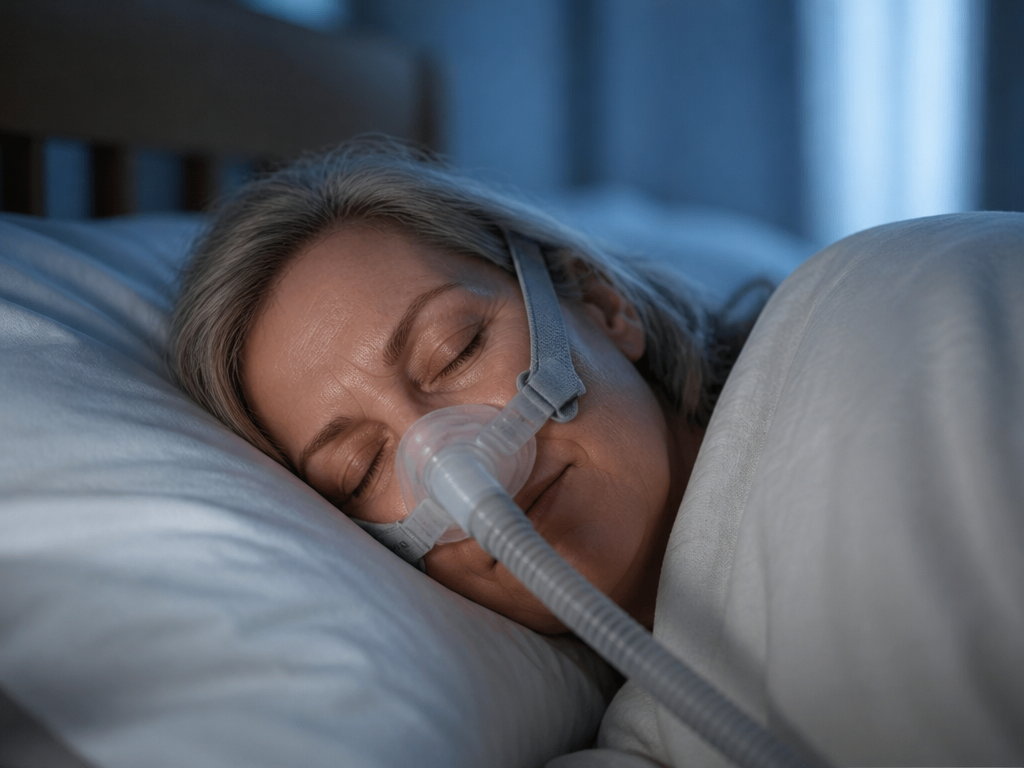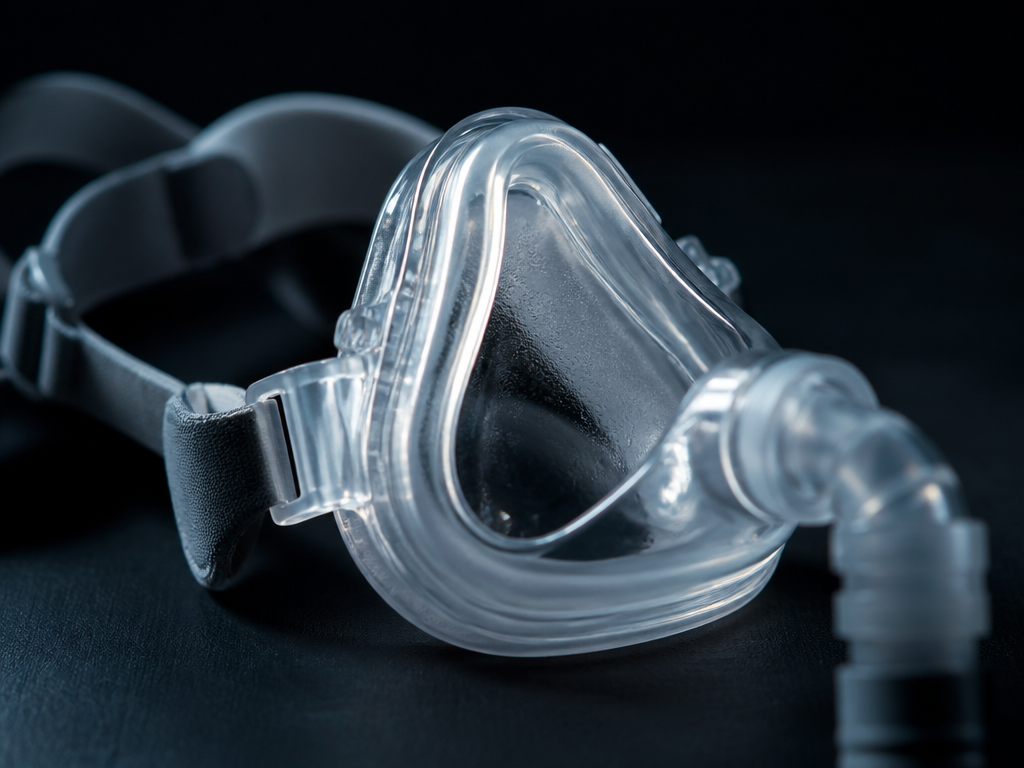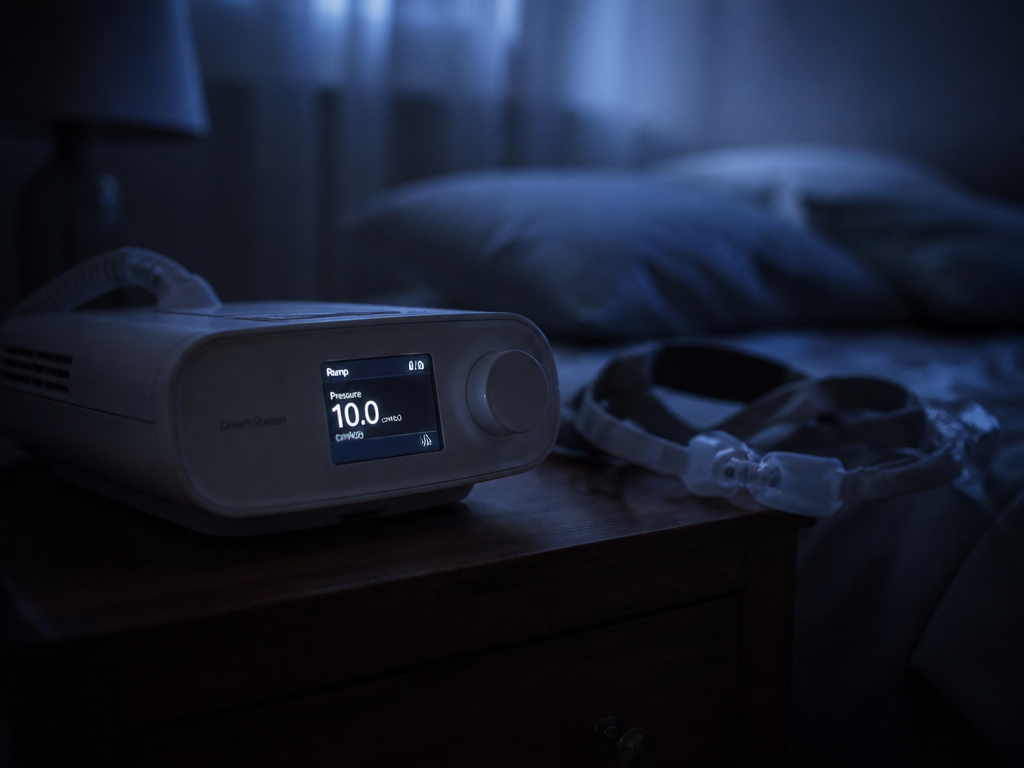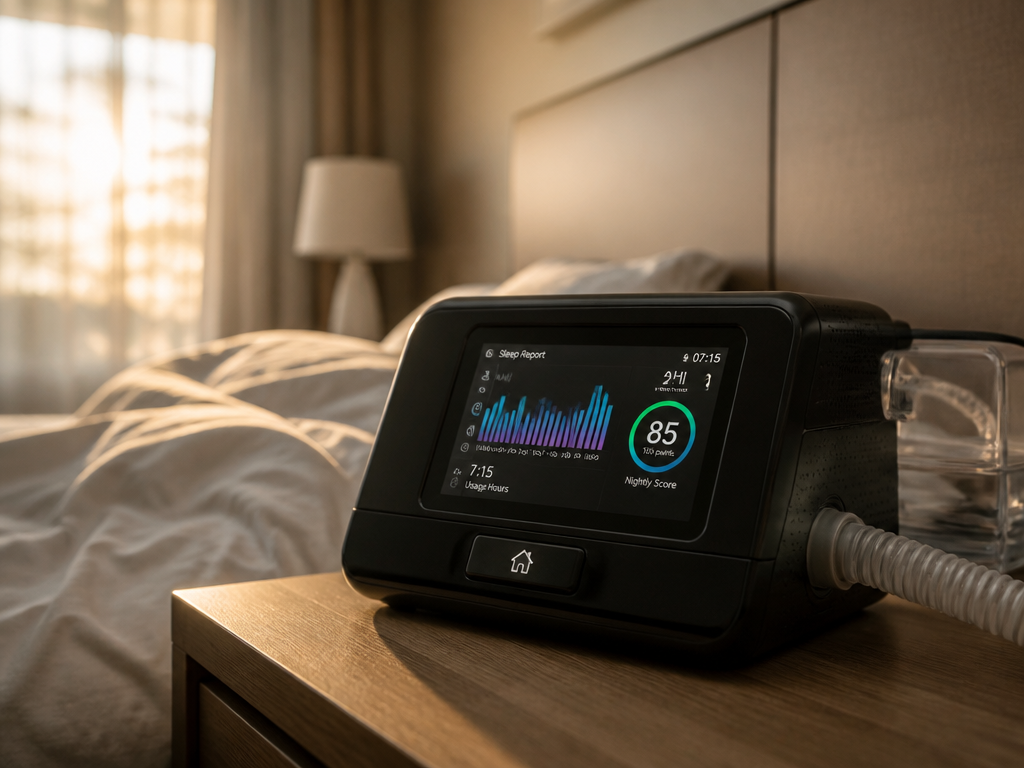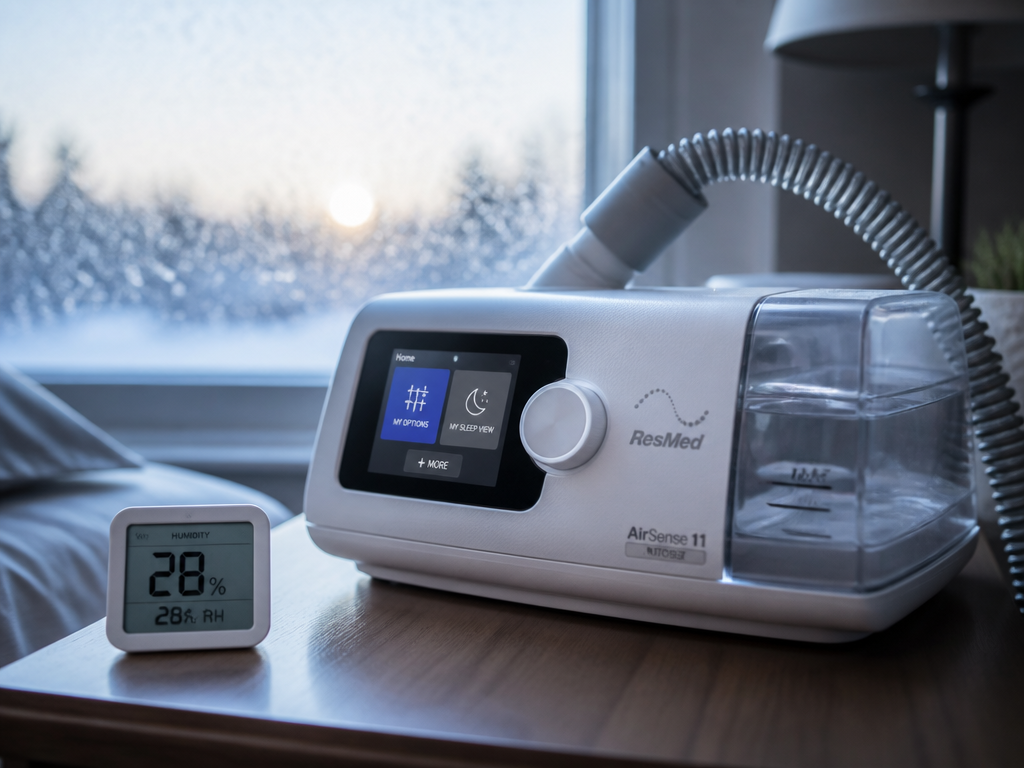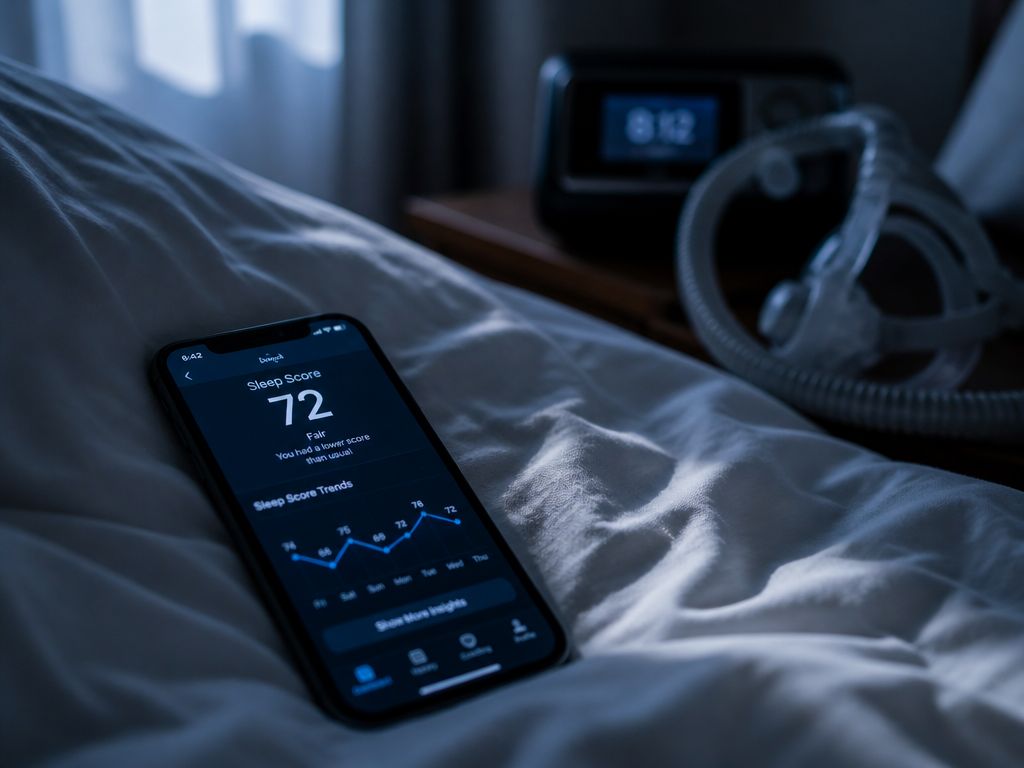
There was a night I slept seven hours on my ResMed AirSense, woke up, opened the myAir app, and saw nothing. No score. No usage hours. No little green checkmark telling me I'd done the homework. The machine had clearly run — the humidifier chamber was half-empty, the mask still smelled faintly of the night — but the dashboard insisted the night had not happened.
If you own a ResMed machine and use myAir, you have probably had this morning. Good CPAP data management — the unglamorous business of getting numbers off your machine and onto a screen you can read — fails quietly and usually for boring reasons. The most boring, and the most common, is device registration. Before you assume your therapy didn't work or your machine is broken, it helps to know exactly what that data has to travel through to reach you.
Where does CPAP therapy data actually come from?
Your CPAP data starts inside the machine, not in the app. The AirSense and AirCurn models record your usage every night to onboard memory and to an SD card — pressure, hours used, mask seal, and the number of apneas and hypopneas per hour (your AHI). That part happens whether or not anything is connected to the internet. The recording and the transmission are two separate jobs, and confusing them is the source of most morning panic.
Transmission is the second job. Most ResMed home machines ship with a built-in cellular modem; some use Wi-Fi instead. After your session ends, the machine packages the night and sends it — over the cellular network or your home Wi-Fi — to ResMed's AirView server, the clinical backend your DME provider and sleep clinic see. myAir is the patient-facing window onto a slice of that same data. So the chain looks like this:
Machine memory → modem → AirView (cloud) → myAir dashboard.
Registration is the handshake that tells the cloud which machine belongs to which account. When you set up myAir, you enter your machine's serial number and device number (the DSN), both printed on a sticker on the underside of the unit. Those two numbers are the only thing linking the data flowing into AirView with the dashboard you log into. If they don't match what the machine is actually sending, the data lands in the cloud and simply has nowhere to go on your screen. It isn't lost. It's unaddressed mail.
The mechanism, in the order it happens
Walk it through the way the night actually runs. You put the mask on; the machine begins recording to local memory in real time. You sleep. Sometime after you take the mask off and the session closes, the modem wakes up and attempts to transmit — often not immediately, and frequently in the early hours rather than the instant you stop. The packet travels to AirView. AirView checks the serial and device numbers against registered accounts. If they match yours, the data is routed to your myAir profile, processed into a sleep score, and rendered the next time you open the app.
Break any one link and the symptom looks identical from where you're standing: a blank dashboard. The machine recorded fine (link one worked). The modem may not have had signal (link two). Or the numbers didn't match (link three). The art of CPAP data management is figuring out which link failed, because the fix is completely different for each.
Why a new or upgraded machine is the usual culprit
The single most common reason long-term users suddenly see missing data: they got a new machine and kept the old registration.
When your DME swaps your AirSense 10 for an AirSense 11, or replaces a unit under warranty, the new machine has a different serial and device number. Your myAir account is still pointed at the old one. The new machine dutifully transmits to AirView, AirView checks the numbers, finds no matching patient account, and the data goes unrouted. You used the machine. The cloud has the night. Your app shows nothing, possibly for days, while you wonder what's wrong with the hardware.

The fix is to update the device in your myAir account to the new serial and device number — or, in some setups, to have your provider relink it on the AirView side. This is also why a freshly diagnosed patient sometimes sees a blank first morning: myAir only begins displaying data from the day the account is created and registered, not retroactively. Nights before registration exist on the SD card and in AirView, but the patient dashboard won't backfill them.
Why your data is late even when nothing is broken
Here is the part that gets stated with more confidence than it deserves: there is no guaranteed delivery time for myAir data, and a delay is not a malfunction.
ResMed's machines typically transmit once daily, often in a window after your session ends rather than the moment you remove the mask. Processing on the server adds time. It is entirely normal to take the mask off at 6:30 a.m., check the app at 6:45, and see nothing — then find a complete score by mid-morning. People interpret that gap as failure and start power-cycling a machine that was working perfectly. The honest version: same-morning data is common but not promised, and a missing night is worth worrying about only after a full day has passed.
If it's been more than 24 hours, the delay is no longer just timing, and it's worth running the checklist.
What to check, the night you notice
Run these in order. The list is short on purpose — the first three solve the large majority of cases.
| Check | Why it matters | What to do |
|---|---|---|
| Power & full session | Data only transmits after a recorded session closes. | Confirm the machine ran on mains power and the session ended normally. |
| Airplane mode | Toggling it on silences the modem entirely. | Open the machine's menu; confirm wireless is on, not in airplane mode. |
| Signal strength | A weak cellular or Wi-Fi signal stalls transmission. | Note the signal bars on the display; if low, relocate the machine nearer a window or router. |
| Serial/device match | The single biggest cause after an upgrade. | Compare the numbers in myAir to the sticker under your machine. Update if they differ. |
| Give it 24 hours | Most "missing" data is just late. | Recheck the next morning before escalating. |
If you've confirmed the machine ran, the modem isn't in airplane mode, the signal is decent, and the registered numbers match the sticker — and a full day has passed with still nothing — that's the point to stop troubleshooting and contact myAir support or your equipment provider. Beyond those four checks, the failure is usually on the account or server side, and you can't fix it from the menu.
Travel and the two-machine problem
A few edge cases are worth naming because they're underdocumented. If you travel with a second machine — a smaller travel unit, say — it has its own serial number and will not appear in an account registered to your home machine unless you register it too. You can generally have multiple devices linked, but each needs its own handshake. And in countries or hotels where the cellular modem can't connect, data may not transmit until the machine is back in range; the SD card still holds everything, which your clinic can read directly. Nothing was lost. It just traveled home with you the slow way.
That's the reframe that calmed me down the morning my own dashboard came up empty. The therapy is recorded on the machine first; the app is the last and most fragile link in the chain, not the first. My blank screen wasn't a failed night — it was an unrouted one, and by lunch the score had quietly appeared, exactly as the night before had: 6.8 hours, AHI under one, nothing dramatic except my own overreaction.
Before you assume your machine is broken, check that the serial and device numbers in your app match the sticker on the underside — and then give the cloud one full day to catch up.