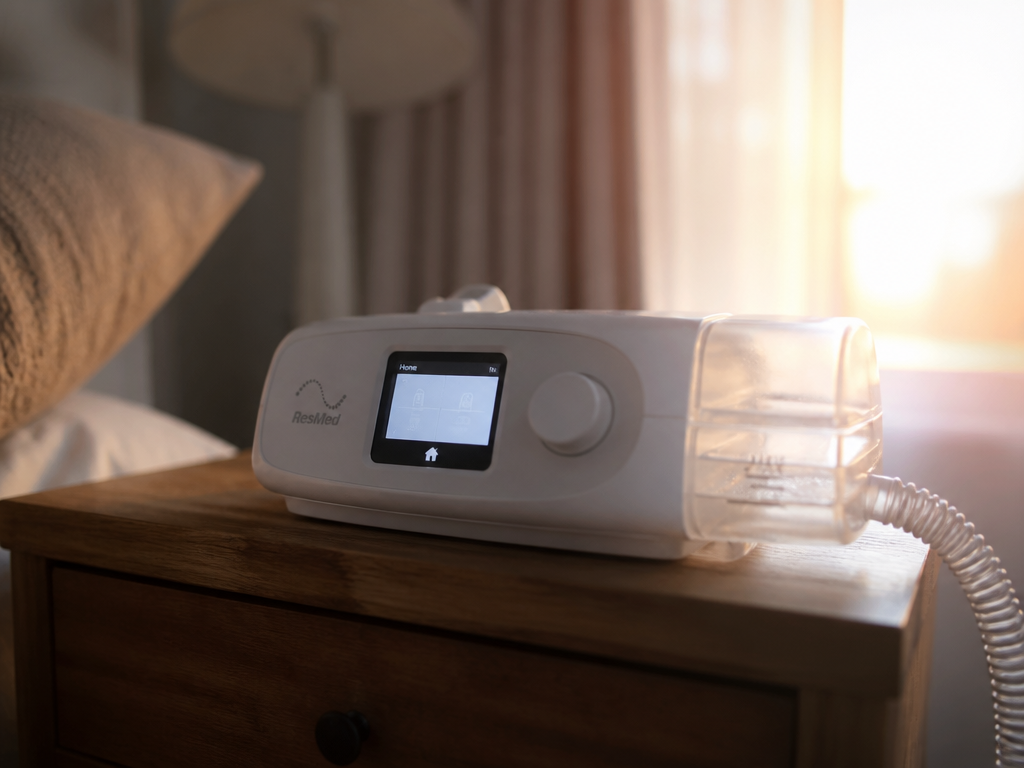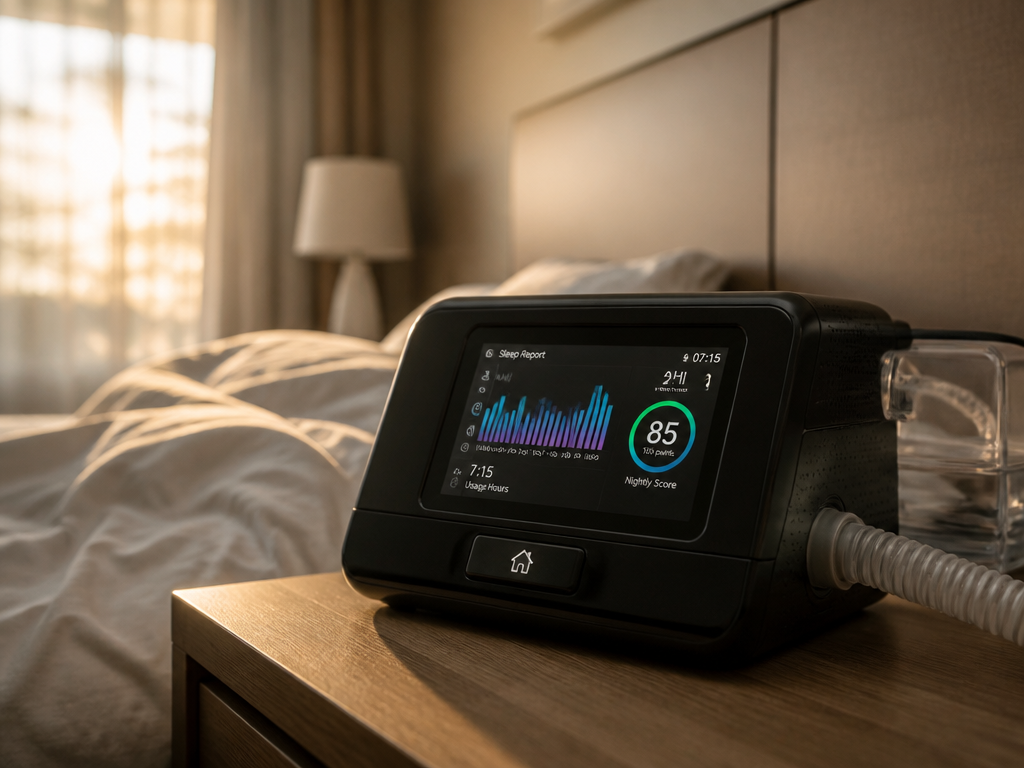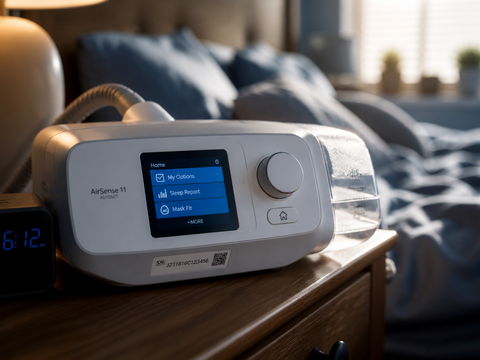
You can get the mask fitted, the pressure prescribed, the humidifier filled, and the machine humming beside your bed — and still not be "set up." Because the part of CPAP machine setup that strands the most people isn't the air. It's the account. The login screen of an app called myAir is where a surprising number of newly diagnosed sleep apnea patients get stuck, sometimes for days, on a device that is otherwise working perfectly.
That sounds backwards. The machine is the complicated medical instrument; the app is just software. But the machine was configured for you, at the clinic or by the supplier, before it reached your nightstand. It will run whether or not you ever open an app. The account is the thing you have to assemble yourself, from a serial number, a four-digit code, a cellular signal you can't see, and an email address you may have typed wrong. Each of those is a separate point of failure, and they fail quietly.
This piece is about why login is the real bottleneck, and how to clear it.
Why can't I register my CPAP machine?
Most registration failures come down to one of three things: the machine hasn't yet sent its first data upload, the numbers you're entering don't match the format the app expects, or an account already exists under your email. The app can't tell these apart for you, so it shows a generic error and you assume you did something wrong.
You probably didn't. Here is what is actually happening underneath.
What happens, in order, when you register
When you create a myAir account, the app isn't talking to your machine directly. It's talking to a server, and the server is waiting to hear from your machine separately. The sequence matters:
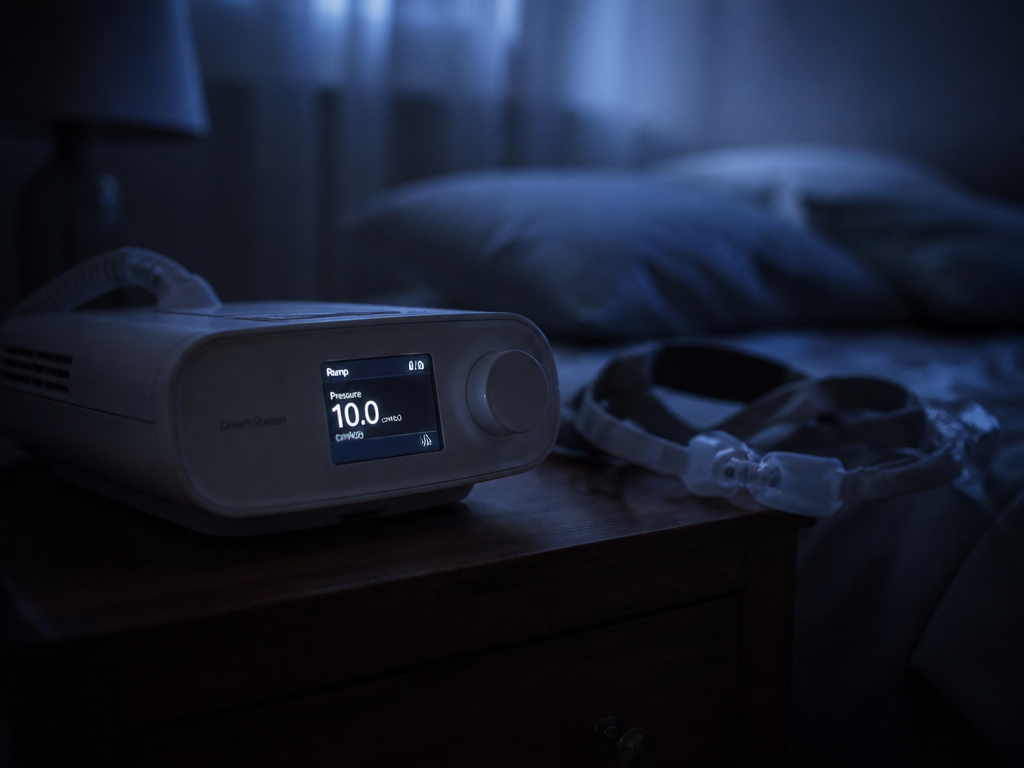
First, you enter your machine's serial number — usually a long string printed on a label under the device or behind the air filter door. Then you enter the device number, a shorter code (commonly four digits) the machine generates and displays in its own menu, not something printed on the box. These two values are checked against each other. If the serial belongs to one unit and the device number to another — easy to do if there are two machines in the house, or if you photographed the wrong label — the match fails.
Meanwhile, the machine itself has to phone home. Most current ResMed units (the AirSense 10 and 11, the AirCurve 10) carry a built-in cellular modem, and some fall back to Wi-Fi. After your first night, or sometimes after a few hours plugged in and idle, the machine uploads usage data over that connection. Until that first upload lands on the server, the server has no record to attach your account to. Register too early and you'll be told the machine can't be found — not because anything is broken, but because the machine hasn't introduced itself yet.
So the most common fix is the least satisfying: plug the machine in, leave it on standby overnight, and try again in the morning. The data has to exist before the account can claim it.
The retail-purchase wrinkle
If you bought your machine from a third party — an online retailer, a secondhand listing, a pharmacy that isn't your prescribing supplier — the friction multiplies, and it's worth naming why.
A machine sold outside the normal clinical channel may have a dormant or unactivated cellular module, depending on the region and how it was distributed. The hardware is fine. But the modem's data plan, which is what carries that first upload, may not be switched on. In that case the machine will treat data perfectly for your own use and still never appear in the account system, because it has no way to report in.

There's a second issue. Machines provisioned for one country sometimes won't pair with another country's version of the app. A unit configured for, say, an Australian or European market can refuse to register in the North American myAir, and vice versa. This isn't a bug you can defeat by trying harder. If your machine never shows up no matter how long it sits powered on, the question to ask the seller or support line is specific: Is this unit's cellular module active, and is it provisioned for my country? That one sentence saves the most time.
When the machine is fine and login still fails
Say the device registered. Now you can't get back in. Login failures are a different animal from registration failures, and they cluster around four causes.
The email doesn't match what you registered. Your username is whatever email you typed during setup. If you registered with a work address and are trying to log in with a personal one, the system sees a stranger. Worse, a typo at registration — a dropped letter, .con instead of .com — creates a phantom account tied to an address you don't control. You'll never get the verification email, because it went somewhere that doesn't exist.
The verification email never arrived. Check spam and promotions folders first, obviously. But also wait. Delivery can lag by several minutes during busy periods, and impatient re-requests sometimes invalidate the earlier link, so you end up clicking a code that's already expired.
The password reset loops. You request a reset, set a new password, and the app rejects it at login. Usually this is a trailing space copied in from a password manager, or a character the field silently stripped. Type it by hand once to rule that out.
The account is temporarily locked. Too many failed attempts in a short window triggers a cooldown. The app won't always tell you this clearly. If nothing you type works after several tries, stop, wait a few hours, and the lock lifts on its own.
A short table for the stuck
| What you see | What's usually true | What to do |
|---|---|---|
| "Machine not found" right after purchase | First data upload hasn't happened yet | Leave it powered on overnight, retry in the morning |
| Machine never appears, even days later | Cellular module dormant or wrong-country provisioning (often retail units) | Ask the seller/support if the modem is active and region-matched |
| Serial/device number rejected | Numbers mismatched or from the wrong unit | Re-read the serial under the filter door; get the device number from the machine's own menu |
| Verification email never comes | Typo in registered email, or delivery lag | Wait, check spam, then re-register with the address checked character by character |
| New password won't log you in | Trailing space or stripped character | Type it manually, no copy-paste |
An honest rule of thumb for tonight
Don't troubleshoot the app at midnight on day one. Plug the machine in, use it, and let it run a full night before you expect the account to work — the upload that registration depends on simply hasn't happened yet, and no amount of retyping will conjure it. In the morning, register in this order: serial number from the label, device number from the machine's own screen, then create the account with your email typed slowly and read back once before you submit. If the machine still doesn't appear by the afternoon, the problem is almost certainly the modem or the region, not you — and that's a question for the seller, not the password field.
What's worth holding onto is the separation. Your therapy and your account are two different systems that happen to share a box. The machine treating your apnea does not need the app to function; the app is a convenience and a record, not a prerequisite for the air. If you never log in at all, you are still being treated.
Which brings us back to where we started. The hardest part of CPAP machine setup really is the login screen — but only because it's the one part the machine can't do for you, and the one part that, if it never works at all, costs you a dashboard and nothing more.