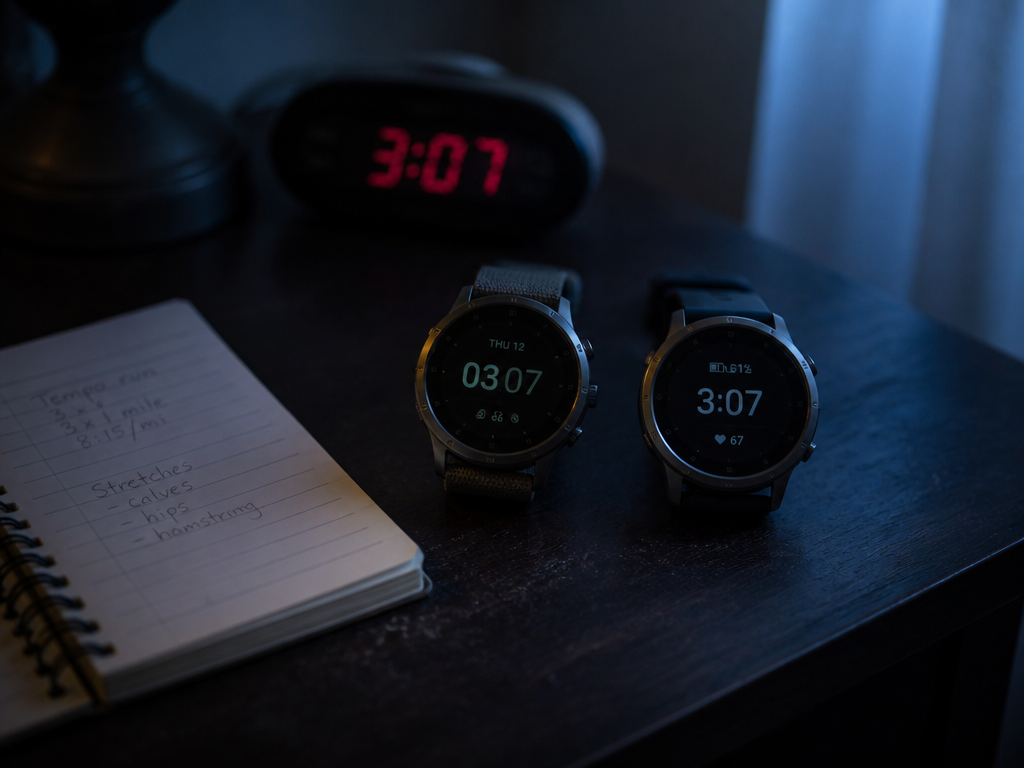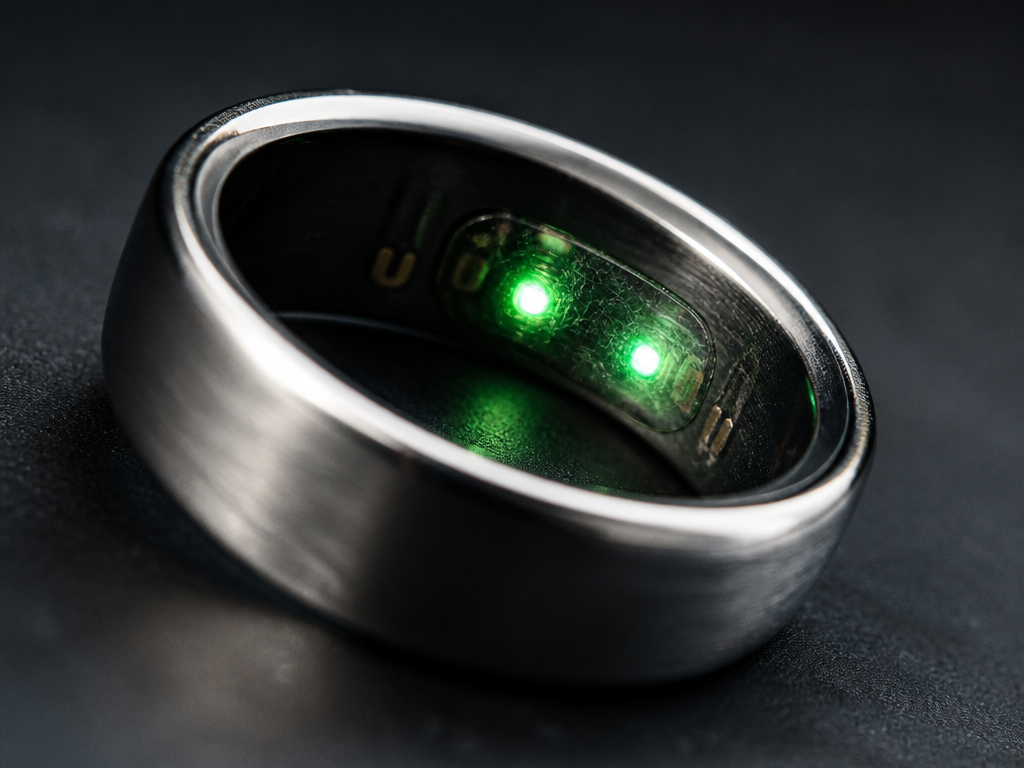
Google spent roughly four minutes of the Google Pixel 11 launch on a ring of twenty-four micro-LEDs under the rear glass of the Pro models and called it HiLight. Four minutes is modest stage time for a feature that will, for most buyers, spend eight hours a night on a nightstand about a metre from a closed eyelid. That part is this magazine's business. So I borrowed a Pro, held my caffeine flat, and slept beside it — and beside two older ways of doing the same job — for sixteen nights.
The protocol, and what it can't tell you
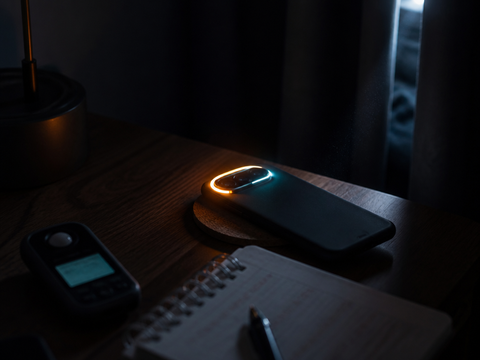
Three bedside configurations, rotated in blocks of two so no arrangement collected all the easy nights: HiLight on a Pixel 11 Pro, the single white notification LED on a Pixel 4a I keep in a drawer for exactly this sort of thing, and the ambient screen-lift on a Pixel 10 Pro, which is still how the base Pixel 11 announces itself. Each phone sat on the same coaster, 96 cm from the bridge of my nose, measured with a tape rather than estimated.
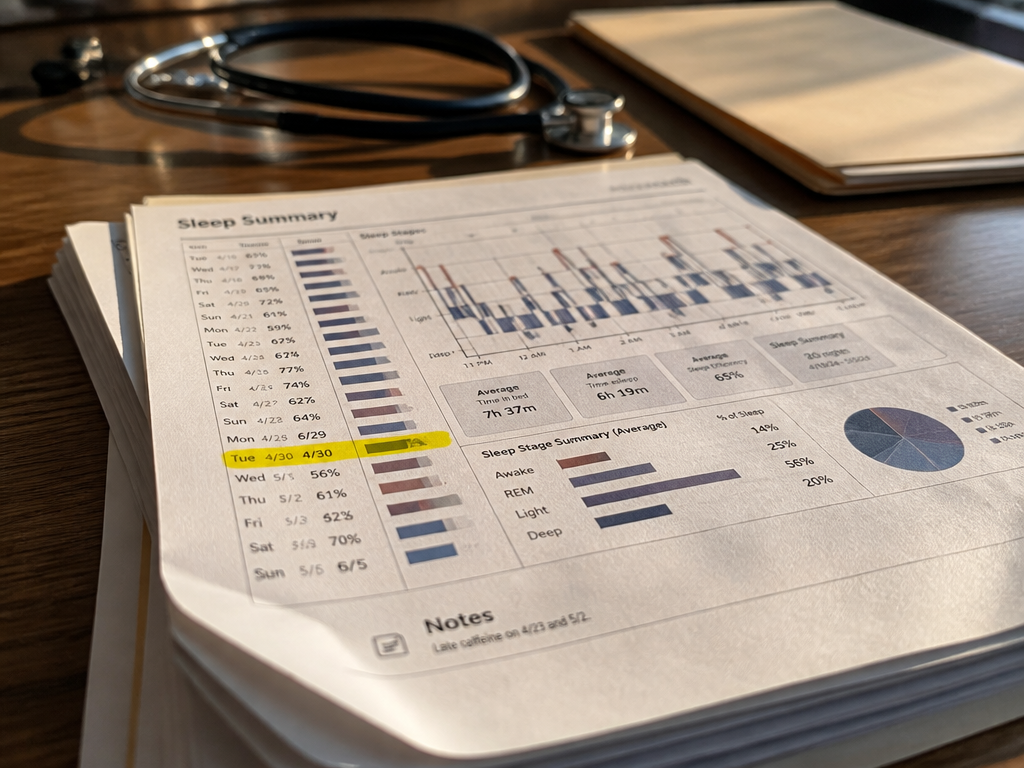
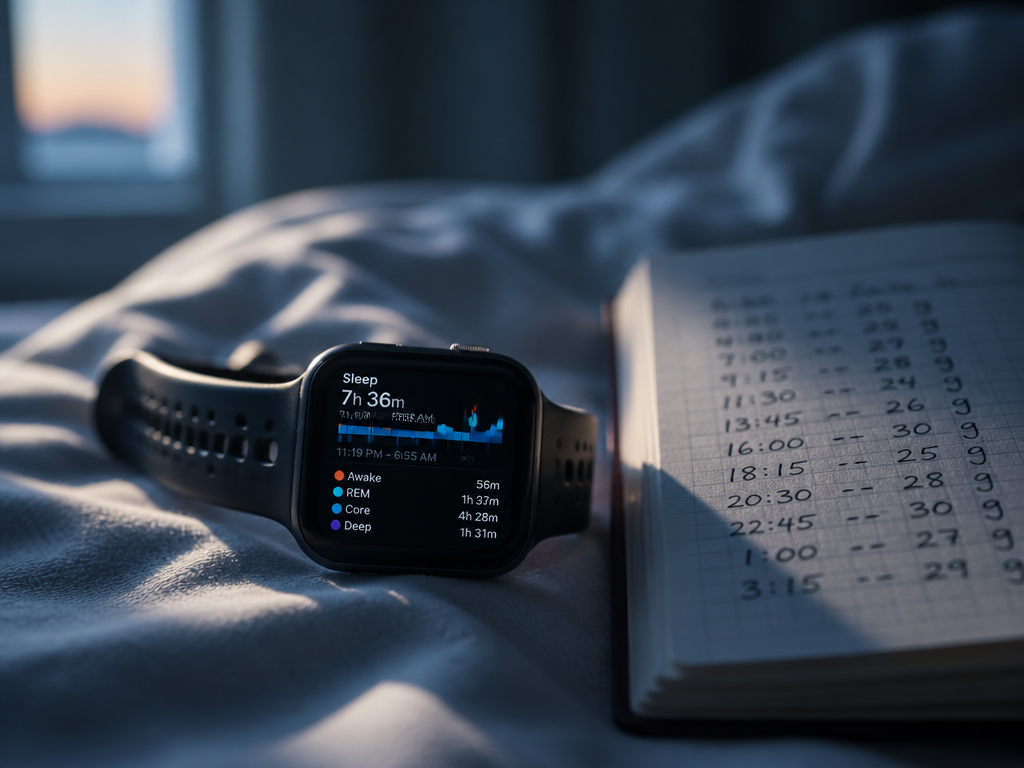
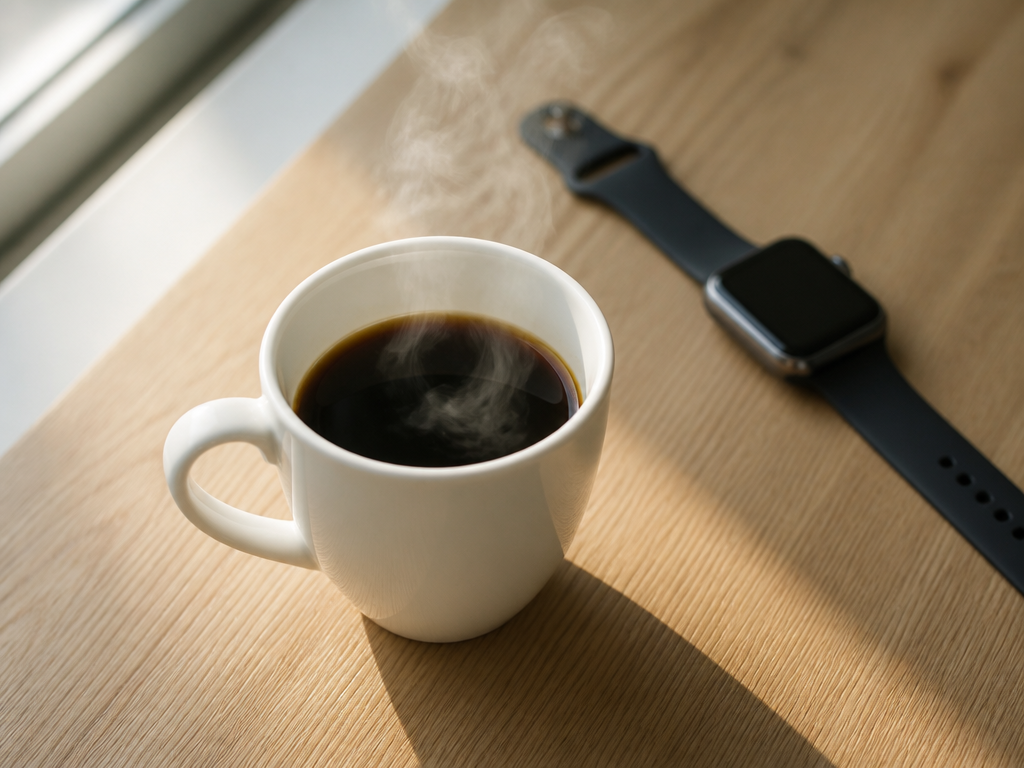
Instruments: a UT383 lux meter for illuminance at the pillow, a colorimeter app I trust for relative readings and not for absolute ones, a Pixel Watch 5 for sleep onset estimates, and a paper log with a pen I could find in the dark. Caffeine was pinned at 195 mg before 11:15 a.m. — two 8 oz pour-overs of the same washed Guatemalan, ground the same, brewed at 3:30 total — and nothing afterwards except a decaf around four, which the roaster's lab sheet puts at 6 mg a cup.
The limits, stated plainly: n=1, sixteen nights, one bedroom, one set of blackout curtains, and a wrist tracker whose onset numbers I would not defend to within five minutes. I can measure light honestly. I can measure my own sleep only approximately. Where the two disagree, believe the lux meter.
What HiLight actually is
Twenty-four addressable micro-LEDs in a ring around the camera bar. Full RGB, per-app colour assignment buried two menus deep, three brightness tiers, and three patterns: solid, breathe, and a chase animation Google calls Sweep, which I disabled on night two and never missed. Pro and Pro XL only. The $799 Pixel 11 doesn't have the hardware, and that gap matters more in a dark room than it does on a spec sheet.
The brightness tiers are where the design thinking shows, and also where it stops. Low measured 0.4 lux at my pillow, medium 3.1 lux, high 11 lux. Low is genuinely low — roughly the light a full moon puts through a curtain gap. There is also an Auto tier that samples the ambient light sensor, and here is the problem nobody mentioned on stage: the ambient sensor is on the front of the phone. Face-down, which is how anyone using a rear light will place it, the sensor sees a coaster. Auto defaults to medium and stays there. Over four nights on Auto I logged the ring at 3.1 lux every time, in a room measuring 0.2 lux. That is not a subtle miss.
Three lights, one nightstand
| Criterion | HiLight (Pixel 11 Pro) | Single LED (Pixel 4a) | Screen lift (Pixel 10 Pro) |
|---|---|---|---|
| Illuminance at pillow, 96 cm | 0.4 / 3.1 / 11 lux by tier | 1.8 lux, fixed | 24 lux for ~6 s |
| Measured colour | Amber through full RGB | ~6,100 K white | ~5,900 K white |
| Dwell per notification | Breathes until cleared | Blinks until cleared | 6 s, then dark |
| Nights it woke me | 1 of 5 | 2 of 5 | 3 of 6 |
| Sender known without touching phone | Yes, by colour | No | Yes, by reading |
Illuminance: the tier is the whole product
On high, HiLight is the worst of the three. Eleven lux held indefinitely against a 24-lux flash that lasts six seconds is more total light on the eye within about thirty seconds, and it doesn't stop. On low it is the best by a wide margin — 0.4 lux is below the 4a's fixed 1.8 lux and roughly a sixtieth of the screen lift's peak. The hardware is capable of being unobtrusive. It ships capable of being obnoxious, and Auto will not save you.
Colour, which turned out to be the argument
The 4a's LED and the Pixel 10's screen lift are both cool white, near 6,000 K. HiLight will do anything. I ended up at a deep amber for messages, a dimmer amber for calendar, and nothing at all for everything else. Subjectively — and this is subjective, I have no way to isolate wavelength from expectation in my own bedroom — the amber ring read as information rather than as interruption. When I woke to it on night eleven, I noted the colour, understood it was a text and not an alarm, and went back under without reaching for anything. The white LED, twice, got me sitting up.

The useful part is not that amber is gentler in the abstract. It's that colour carries the sender, so the light answers the question that would otherwise make you pick up the phone. That is the actual sleep intervention here, and Google framed it as a personalisation feature.
Dwell: blinking is the real offender
The 4a blinks. Once every three seconds, forever, until cleared. Both nights it woke me, it woke me by flickering, not by brightness — 1.8 lux is nothing, but 1.8 lux appearing and disappearing in peripheral vision is a movement cue, and movement cues are what a half-asleep visual system is built to catch. HiLight's breathe pattern ramps over about 1.4 seconds each way. Same duty cycle, no edge. Across five nights it produced one wake against the 4a's two, at a lower peak, holding the light continuously rather than intermittently. If you take one design lesson from the whole Pixel 11 lineup, take that one: the enemy is the transition, not the total.
Where it landed
Set to amber, low tier, breathe, with per-app colours for two senders and silence for the rest, HiLight is the first phone notification light in a decade I'd willingly keep in a bedroom. Out of the box — Auto brightness, white default, Sweep enabled — it is worse than the ten-year-old LED it replaces. The gap between those two states is about ninety seconds of setup, and Google puts none of it in the onboarding flow.
The confound that dwarfed everything
Honesty demands this section. Three nights in the middle of the run, I broke protocol — a late meeting, a 3:40 p.m. espresso, about 75 mg. My logged onset on those nights ran 22 to 34 minutes longer than my sixteen-night median, and the effect swamped every difference between lighting conditions by roughly an order of magnitude. The spread between the best and worst bedside light in this test was, at most, a couple of minutes of onset and one extra wake per five nights. The spread between an 11:15 cutoff and a 3:40 espresso was half an hour, reliably, three times out of three.
I'm not going to build a theory on three nights. But it is the right proportion to hold in mind while reading the rest of this: the phone on your nightstand is a small-stakes variable. The cup at four o'clock is not.
What I couldn't test
I didn't test a sleeping partner's experience, which is probably the single biggest real-world variable and requires a second person willing to be logged. I didn't test HiLight against the Nothing Glyph interface, which does the same job with a different grammar and would have been the fairest competitor. I didn't test long enough to say anything about habituation — sixteen nights is short, and my last four nights showed fewer wakes across all three conditions, which might be adaptation or might be a quieter week. And I have one pair of eyes, in their forties, with the lens transmission that implies. Someone twenty years younger may find the same 0.4 lux considerably brighter.
Who this is for
It's for you if you keep the phone in the room on purpose — on call, caregiving, a family member in another timezone — and want the fewest number of screen-on events per night. That's the case HiLight wins outright, because colour-coding lets you triage without light hitting your face at 24 lux.
It's for you if you're upgrading from a Pixel 10 Pro anyway and were already going Pro-tier. Don't upgrade for this; it isn't a $1,099 feature on its own.
It isn't for you if you were considering the base Pixel 11, where the feature simply doesn't exist and the screen lift remains the brightest thing in this test. It isn't for you if your phone already sleeps in another room, which remains the correct answer and costs nothing. And it isn't for you if you'll leave it on defaults — an always-on white ring at 3.1 lux is a downgrade dressed as a headline.
Try this week
Whatever phone you have, go into your notification settings tonight and give exactly two apps permission to light up between 11 p.m. and 7 a.m. — the ones where a missed message would actually matter. Everything else goes dark. On a Pro, set those two to amber on the low tier while you're in there. It takes about ninety seconds, it costs nothing, and unlike most of what came out of the Pixel 11 event, you can test whether it works on yourself by Friday.